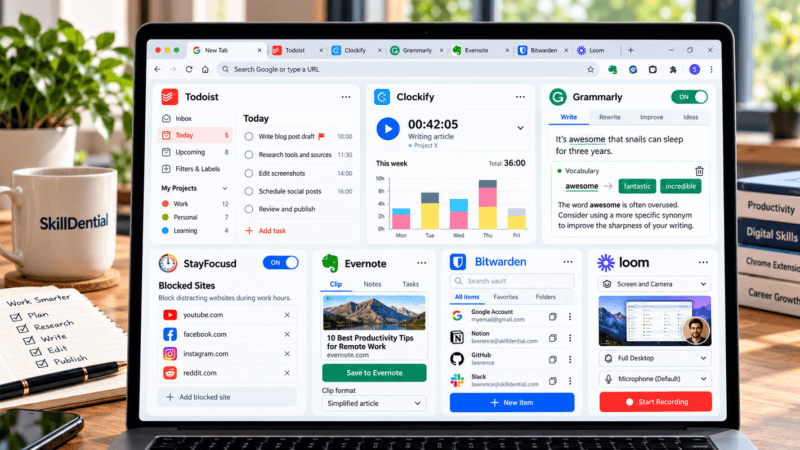
The best productivity Chrome extensions help you manage tasks, reduce distractions, organize research, improve writing, and save time on repetitive work. Useful options include Todoist for task management, StayFocusd for limiting distractions, OneTab for organizing
Category: Tool Reviews
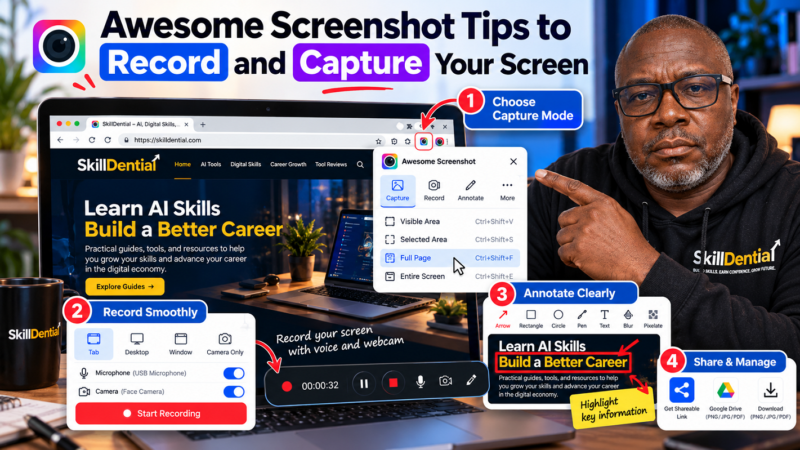
Whether you are debugging a complex software issue, onboarding a remote team member, or creating instructional content, relying solely on text often leads to friction and miscommunication. Awesome Screenshot solves this by bridging the gap
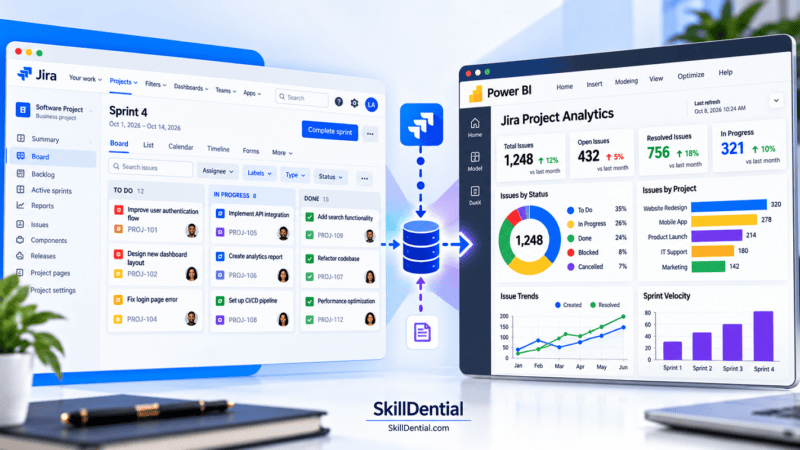
Connecting Power BI to Jira unlocks advanced reporting capabilities for agile teams, project managers, and data analysts who need to move beyond native dashboard limitations. By centralizing sprint metrics, issue histories, and custom fields into
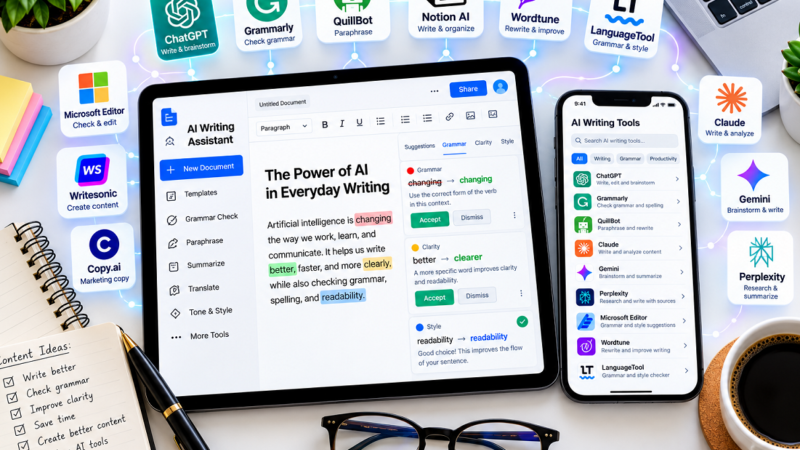
High-leverage content creation requires the right stack. Whether you are drafting SEO articles, polishing professional emails, or restructuring technical documentation, free AI writing assistants eliminate friction at every stage of the writing workflow. The Content
Traditional software development requires significant resources and long timelines. Low-code application development platforms bypass these bottlenecks by leveraging visual drag-and-drop interfaces, prebuilt components, automated workflows, and minimal custom code to accelerate software delivery. These platforms
Creating content with AI tools doesn’t require a $1,000 flagship device. Modern sub-$300 5G smartphones deliver vibrant AMOLED displays, versatile multi-lens cameras, multi-year software updates, and robust on-device AI processing capabilities that easily rival premium
Database bottlenecks and unoptimized queries can silently degrade application performance, spike infrastructure costs, and ruin user experience. To maintain high availability and speed, SQL performance monitoring tools are essential for identifying slow queries, locking issues,
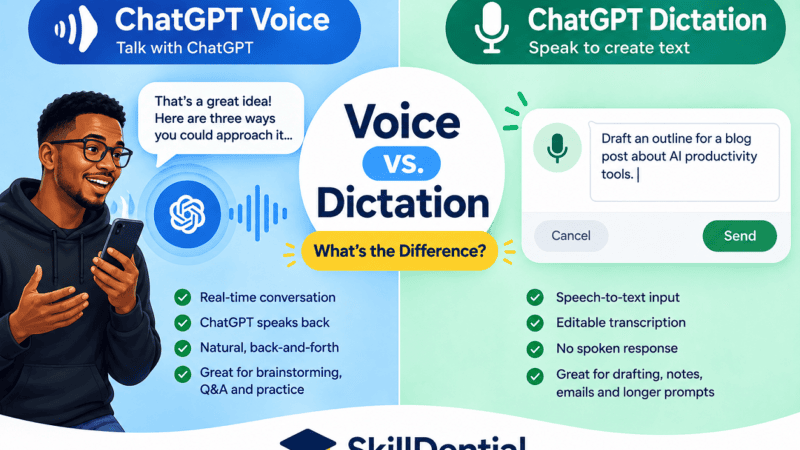
If you are trying to speed up your workflow by speaking instead of typing, OpenAI offers two distinct audio modalities, but they serve fundamentally different functions. ChatGPT Voice is engineered for real-time, bidirectional spoken conversations,
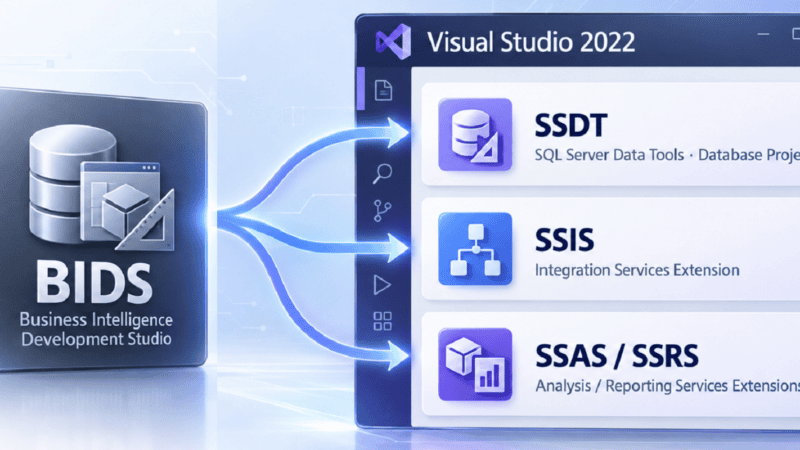
If you are following an older enterprise data tutorial or opening legacy database documentation, you have likely encountered instructions to launch Business Intelligence Development Studio (BIDS). If you search for it on a modern machine,
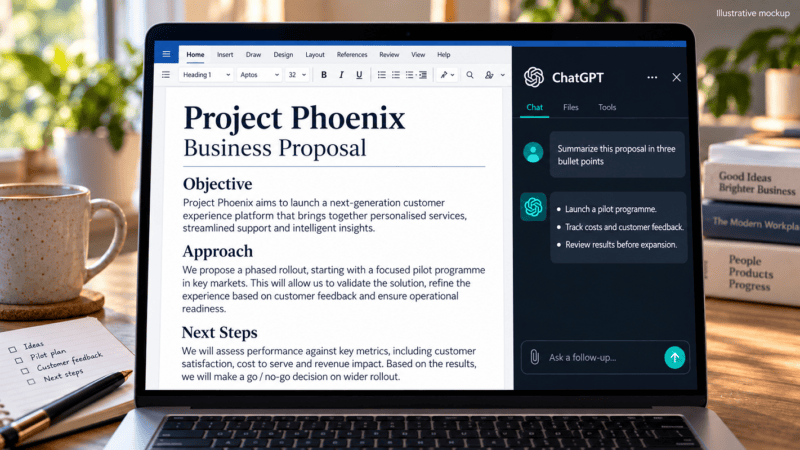
Writing long-form documents often means constantly switching between your browser and your workspace. By setting up ChatGPT in Microsoft Word, you can bring advanced AI capabilities directly into your native document environment to streamline drafting,