11 Best Mechanical Engineering Simulation Software Reviews

11 Best Mechanical Engineering Simulation Software Reviews

Mechanical engineering simulation software refers to the digital tools used to model how parts, assemblies, and systems behave under loads, motion, fluids, and thermal conditions before physical prototyping. These platforms typically integrate Finite Element Analysis (FEA), Computational Fluid Dynamics (CFD), thermal analysis, and motion studies within CAD or dedicated CAE environments. Industry leaders such as … Read more


AutoCAD Career Path for Beginners: Skills, Jobs, and Salary

AutoCAD Career Path for Beginners: Skills, Jobs, and Salary

An AutoCAD career path centers on using AutoCAD software to create precise 2D and 3D technical drawings for architecture, engineering, manufacturing, and construction. This trajectory is defined by the technical mastery of drafting, layer and annotation management, and the ability to produce high-integrity, construction-ready documentation. For the modern professional, an AutoCAD career path acts as … Read more

Best Laptops for AutoCAD Freelance Jobs: 11 Powerful Picks

Best Laptops for AutoCAD Freelance Jobs: 11 Powerful Picks

AutoCAD freelance jobs demand a specific hardware profile: high single-core CPU frequency, robust thermal management, sufficient RAM, and dedicated graphics optimized for both 2D drafting and complex 3D modeling. Professional CAD workflows often become unstable on underpowered systems, leading to increased project turnaround times and missed deadlines. While specific hardware requirements scale with project complexity … Read more

35 Rarely Used AutoCAD Commands That Save Hours of Work

35 Rarely Used AutoCAD Commands That Save Hours of Work

AutoCAD commands are the primary interface for professional-grade drafting, file optimization, and workflow automation. While basic tools handle geometry creation, high-leverage AutoCAD commands reduce repetitive manual edits, enforce drawing consistency, and proactively eliminate file bloat before it degrades system performance. These advanced functions are essential for complex technical projects where manual, menu-based workflows create bottlenecks. … Read more

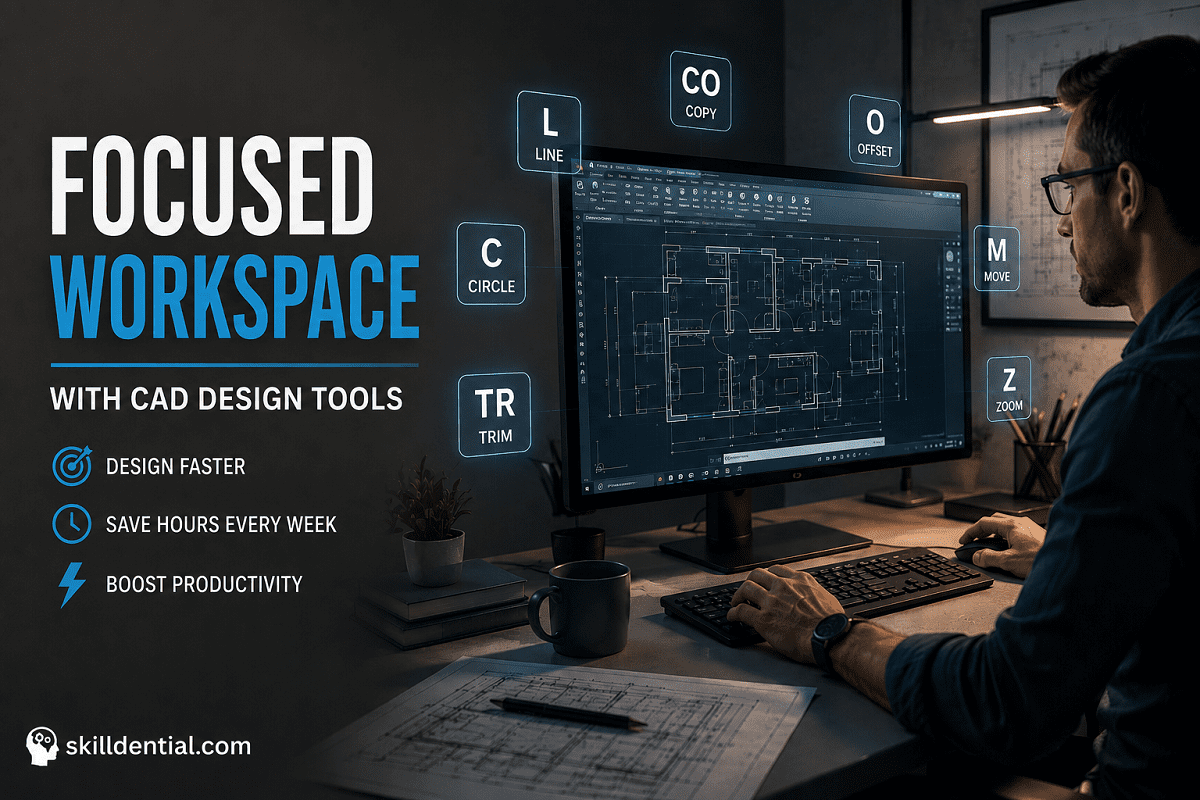
25 Essential AutoCAD Shortcuts That Save Hours Every Week

25 Essential AutoCAD Shortcuts That Save Hours Every Week

Essential AutoCAD shortcuts are keyboard commands that bypass menu navigation to execute drawing, editing, and navigation functions instantly. Studies indicate that keyboard-centric workflows reduce drafting time by 30–40% compared to mouse-heavy approaches. Mastery of these 25 essential AutoCAD shortcuts eliminates repetitive clicking for standard tasks. Effectiveness requires consistent practice until these commands become muscle memory, … Read more

11 AutoCAD 2026 New Features That Will Change Your Workflow

11 AutoCAD 2026 New Features That Will Change Your Workflow

The release of AutoCAD 2026 represents a fundamental shift from manual drafting to AI orchestration. By integrating high-leverage automation and cloud-synchronized standards, these AutoCAD 2026 New Features enable technical professionals to “build once and scale forever.” This guide analyzes the 11 critical updates through the lens of 80/20 efficiency, focusing on how these tools bridge … Read more

How to Optimize AutoCAD Performance: The 80/20 Framework

How to Optimize AutoCAD Performance: The 80/20 Framework

To optimize AutoCAD performance effectively, technical professionals must move beyond generic troubleshooting and identify the 20% of adjustments that yield 80% of systemic speed gains. In high-output industry environments, software latency is a direct tax on billable hours and cognitive flow. This guide applies a first-principles approach to optimize AutoCAD performance by addressing hardware prioritization, … Read more

9 Best Autodesk Civil 3D Alternatives for the AEC Industry

9 Best Autodesk Civil 3D Alternatives for the AEC Industry

Autodesk Civil 3D is the industry-standard civil engineering design software for creating intelligent 3D models of land, transportation infrastructure, and stormwater systems. It supports complex workflows, including TIN surfaces, corridor modeling, dynamic alignments, and comprehensive pipe networks with hydraulic analysis, all while utilizing native DWG files for collaboration. However, the software presents significant barriers to … Read more

AutoCAD 2026 vs AutoCAD Architecture 2026: Key Differences

AutoCAD 2026 vs AutoCAD Architecture 2026: Key Differences

AutoCAD Architecture 2026 is not just software; it is a specialized toolset designed to revolutionize architectural workflows within the AutoCAD ecosystem. By leveraging object-based modeling—utilizing intelligent walls, doors, and windows rather than generic lines—architects can drastically increase efficiency. Featuring a library of over 8,800 architectural components, it automates the generation of floor plans, sections, and … Read more

AutoCAD 2025 vs. 2026: The New Specification Requirements

AutoCAD 2025 vs. 2026: The New Specification Requirements

With the release of AutoCAD 2026, many professionals are asking the same question: Can my current workstation handle the upgrade? While AutoCAD 2025 set a solid baseline—requiring a 64-bit Windows 10/11 environment, a 2.5–2.9 GHz processor, and 16 GB of recommended RAM—the 2026 version introduces a new era of Autodesk AI and high-speed rendering that … Read more

Blogarama - Blog Directory